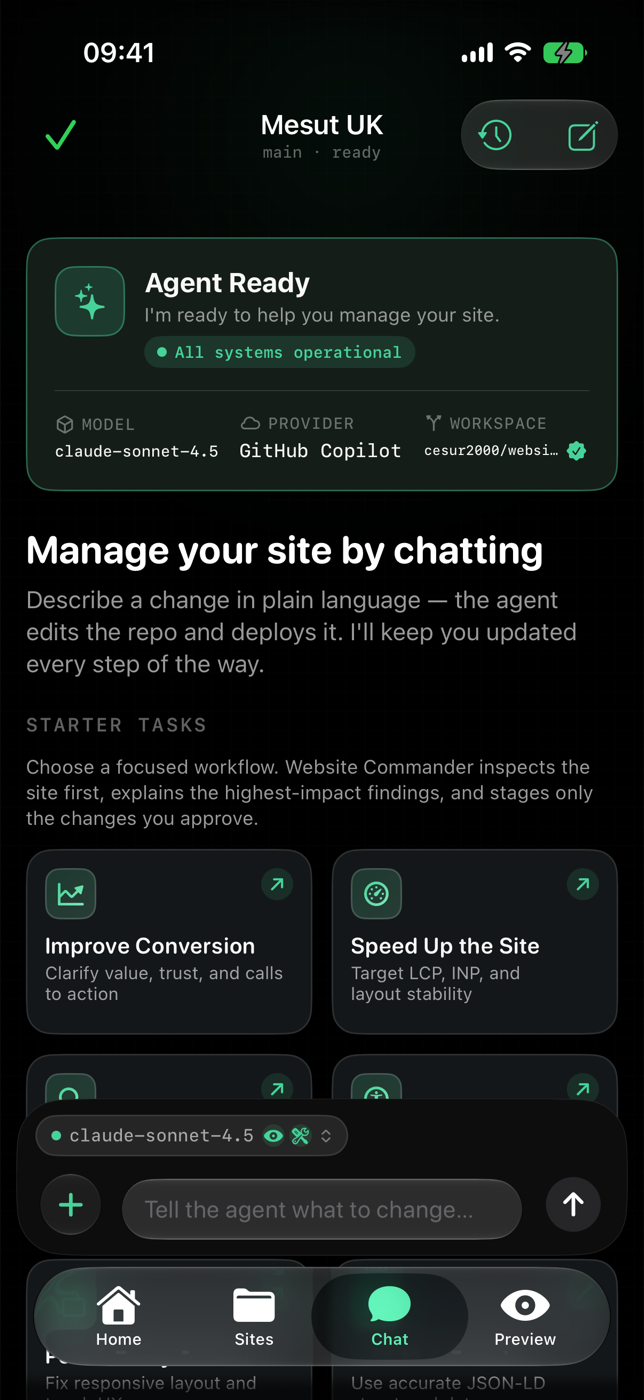
Chat-to-edit agent
Plain-English requests become real file changes, with every step shown as tool activity you can inspect.
Native macOS website agent
Describe a change in plain English. Review the diff. Approve the commit. Website Commander keeps every edit staged until you say ship — your keys stay in Keychain, and nothing goes live without you.
The loop
Website Commander turns website work into a reviewable pipeline. Nothing is committed or deployed until you explicitly approve it.
Tell the agent what you want in plain English — new section, new page, copy, layout, a fix.
See exactly which files change, side by side, before anything is written back to your repository.
Accept, edit, or reject. Only the changes you approve get committed — staged first, always.
Ship to your provider and follow the deployment status in chat until your change is live.
The command deck
Workspace, agent feed, and diff review stay in one window — no tab juggling between editor, terminal, and browser.
Capabilities
Plain-English requests become real file changes, with every step shown as tool activity you can inspect.
AI can make mistakes — Website Commander shows the diff, confirms the deploy, and keeps you in control.
Connect a repository once. Local clones, branches, and commits follow your GitHub workflow.
Render the site in place and inspect element, viewport, and user-agent behaviour without leaving the app.
Ship to GitHub Pages, Vercel, Netlify, Cloudflare Workers, and more — then track build status in the conversation.
The bundled wc CLI drives the same engine from your terminal, so other agents and scripts can manage the site too.
Website Commander for Mac
The full command center: local clones, agent runs, visual diffs, previews, and deployment status — installed as Website Commander.
macOS 14+ · v1.1.0 · universalSHA-256 checksums ship with every release · ad-hoc signed, not notarized
iPhone & iPad companion
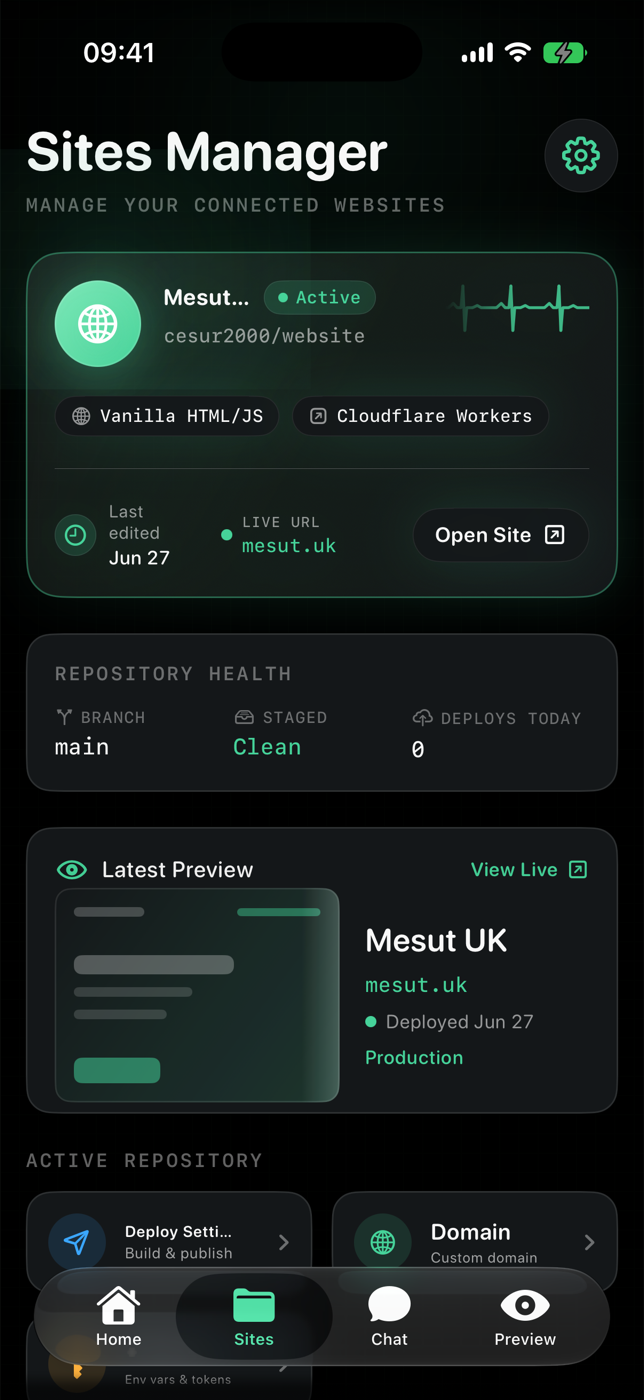
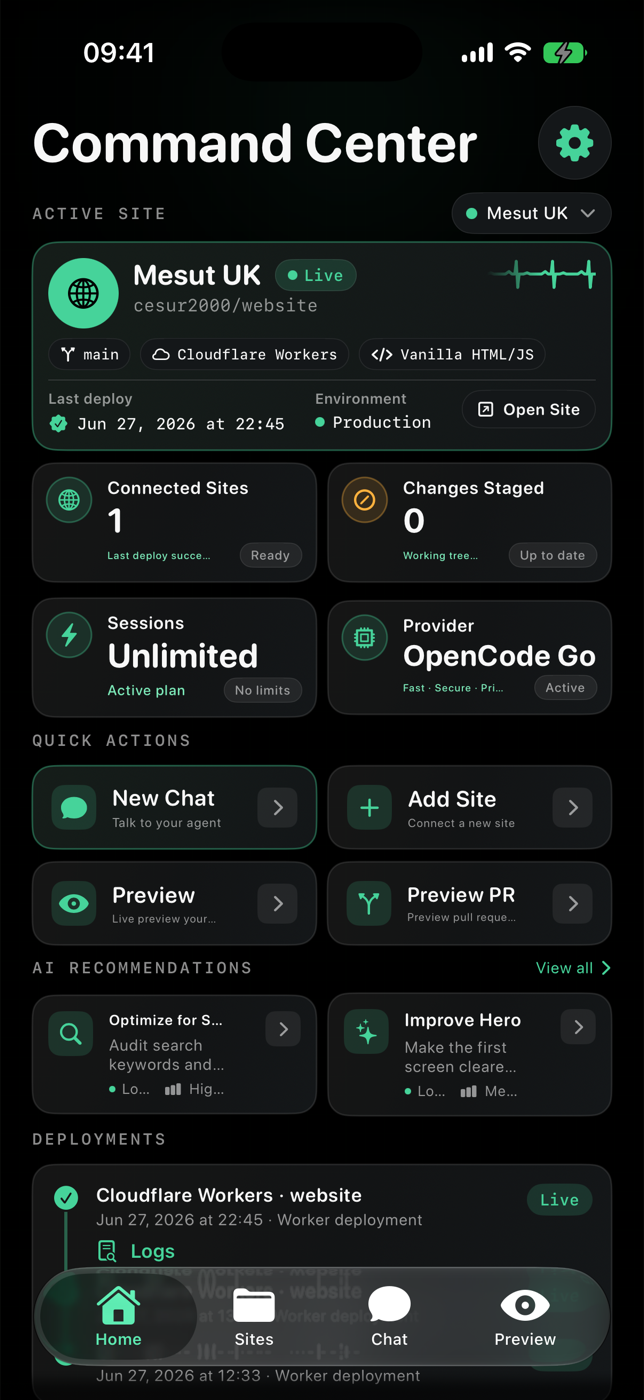
Check the state of your sites, review staged edits, and deploy from the field — the same workspace, on iOS and iPadOS, in the same Clear Glass look.
Sideloadable IPA · iOS 17+ · SHA-256 checksums included in the release
Questions
No. Every change is staged and shown as a side-by-side diff. Nothing is committed or deployed until you approve it.
GitHub tokens and provider keys are stored in the macOS or iOS Keychain — never in plain text, never written to the repository.
Website Commander connects directly to supported cloud providers with your own key, and can run compatible on-device models on supported hardware. Your requests go to the provider you configure — no extra middleman.
Any GitHub repository you can clone. Static sites and Jamstack projects work out of the box, with deployment integrations for GitHub Pages, Vercel, Netlify, Cloudflare Workers, and more.